
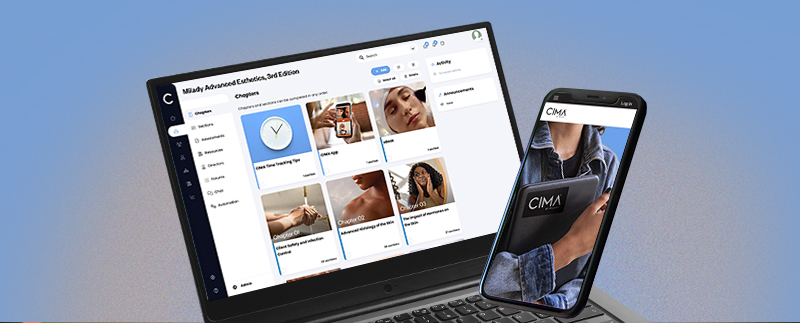

CIMA integrates with LTI 1.3–compatible learning management systems, including Canvas, Blackboard, D2L Brightspace, Schoology, Moodle and others. Bring CIMA coursework into your school’s existing LMS to help streamline student access, assignment management, and grades.
What you can do
Depending on your LMS configuration, the integration supports:
- Launching CIMA from your LMS
- Connecting students to CIMA coursework
- Linking assignments
- Returning grades to the LMS gradebook
Is your LMS compatible?
Most modern LMS platforms that support LTI 1.3 can connect with CIMA. Compatibility and available features may vary by LMS, configuration, permissions, and enabled LTI services.
FAQs
- For a Course - Only the final grade the student receives in the Course, after the entire course has been completed, is synced to the LMS gradebook.
-
For an Assessment - If an assessment allows for multiple submissions, the LMS will pick up on the CIMA setting (use best score, use latest score) and reflect in the LMS gradebook.
- Manual syncing is also available. With the manual sync, you can resubmit the score whenever needed, or you can send scores from assignments that do not support auto-grading.
Content-Based Activities are accessible by linking the whole course, but can’t be linked individually like assessments.
- Activities such as drag-and-drop, matching, flashcards, ebooks, and videos cannot be deep-linked individually.
- Instructors may link to the full course, but students must manually navigate to the assigned chapter and activity.
- If a student completes an automatically graded assessment through the full course link instead of the individual deep link, the score will not populate in the LMS gradebook—introducing potential for user error.
-
Email addresses for teachers and students must match exactly between CIMA and your LMS.
- If you use PAC/IACs, each unique code is tied to one single email address and can only be used by that address.
- We can assist with a one-time cleanup of your user accounts to make sure email addresses match, and your PAC/IACs are not impacted. Please reach out for more information.
- Changing email addresses directly in CIMA will result in errors when using the integration and registering future enrollments.
How to get started
The integration requires both technical registration and customer-specific configuration. To begin the setup process, have your LMS or district administrator submit a technical support case through the Cengage Support portal.